✨ AI study app · free to use
Upload your study material once.Study it every way.
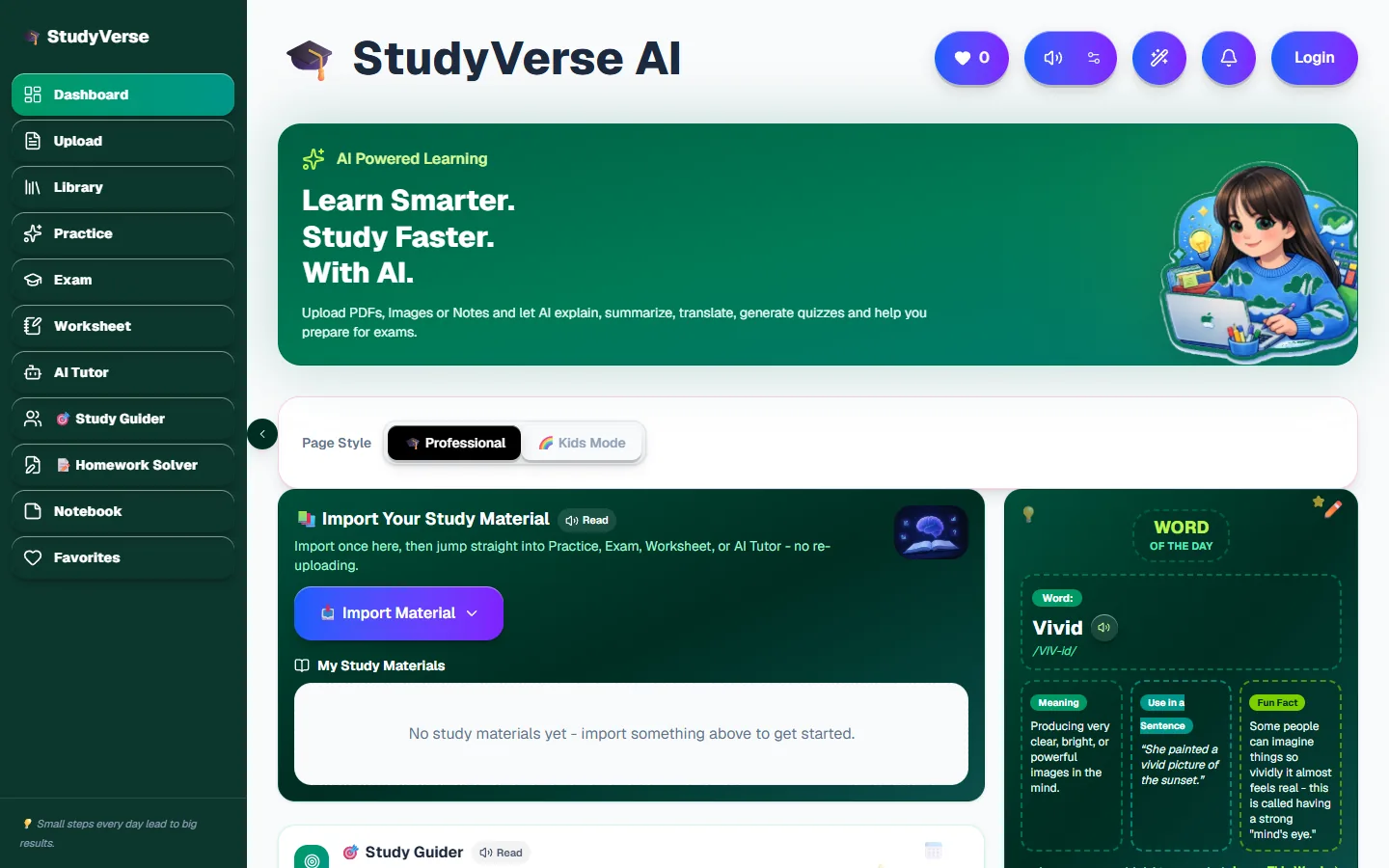
StudyVerse AI turns a PDF, a photo of a textbook page or your notes into summaries, practice questions, timed exams, printable worksheets and AI tutor lessons. One library, every tool.
No sign-up needed to start. Works on phone, tablet and computer.
How it works
- 1
Import your material
Upload a PDF, snap a photo of a page, search a book or paste notes. It goes into your library.
- 2
Pick a tool
Practice, Exam, Worksheet and AI Tutor all read from that same library. Nothing is uploaded twice.
- 3
Study and check yourself
Answer questions, take a timed exam, print a worksheet, or ask the tutor to explain what you got wrong.
Every study tool in one place
Built for school and university students, and for parents who help with homework.
Upload
Drop in a PDF, a photo of a textbook page or your own notes. AI summarises, explains and translates it.
🎯Practice
MCQs, short questions and flashcards made from your own material, so you revise what your class actually covers.
📝Exam
Pick a template or build a question pattern. Get a timed, auto-graded exam paper in seconds.
🖨️Worksheet
Choose the question mix and get a clean worksheet that is ready to print or study from.
🤖AI Tutor
Ask about any topic and get a clear explanation, follow-up answers and step-by-step animated lessons.
🧭Study Guider
Plan study time for each child or subject and track progress day by day.
✏️Homework Solver
Snap the homework, get worked answers with explanations, and export them.
📒Notebook
Keep notes, saved answers and favourite material together in one place.
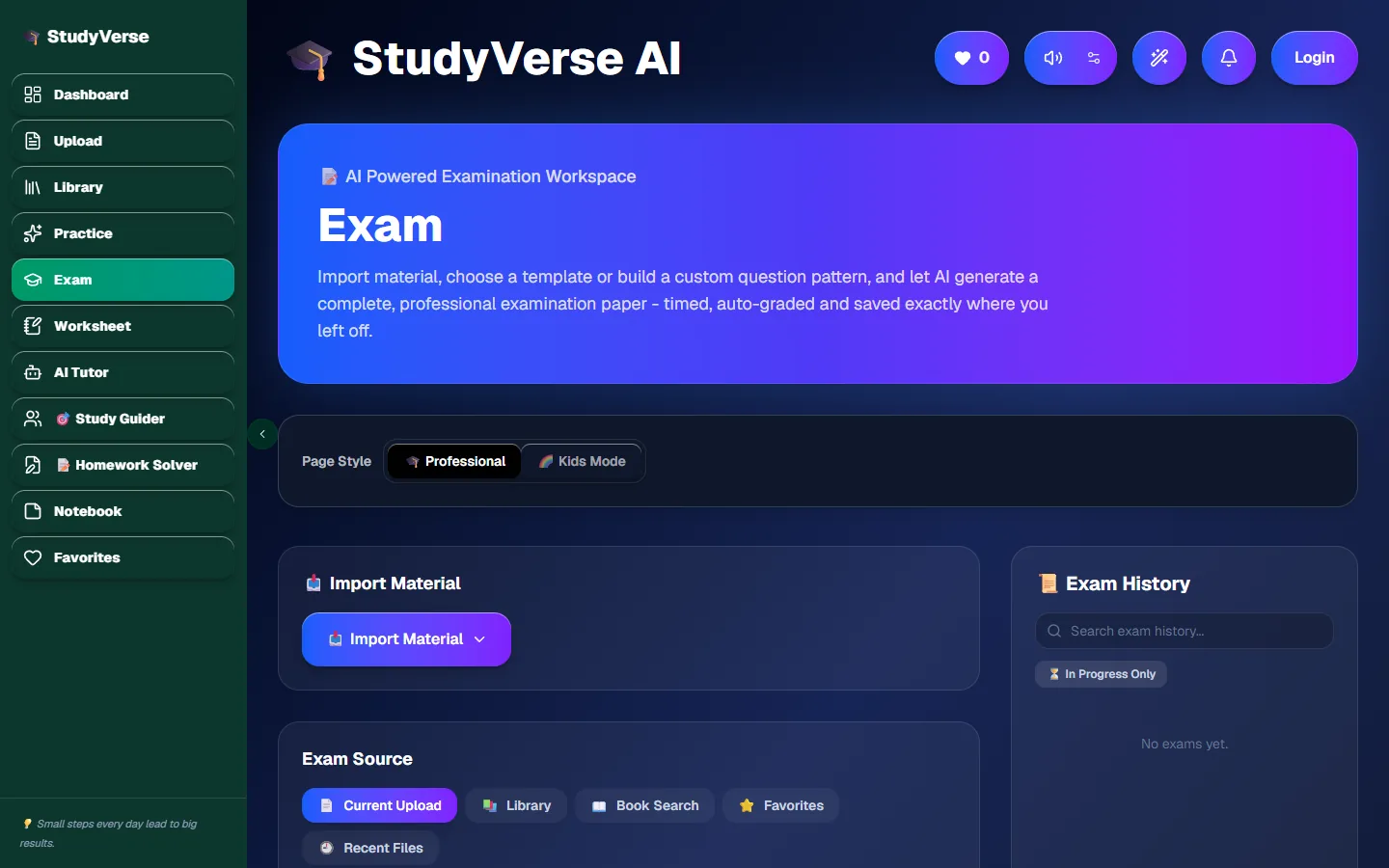
Exams from your own PDF
Choose a template or your own question pattern. Timed, auto-graded and saved to your history.
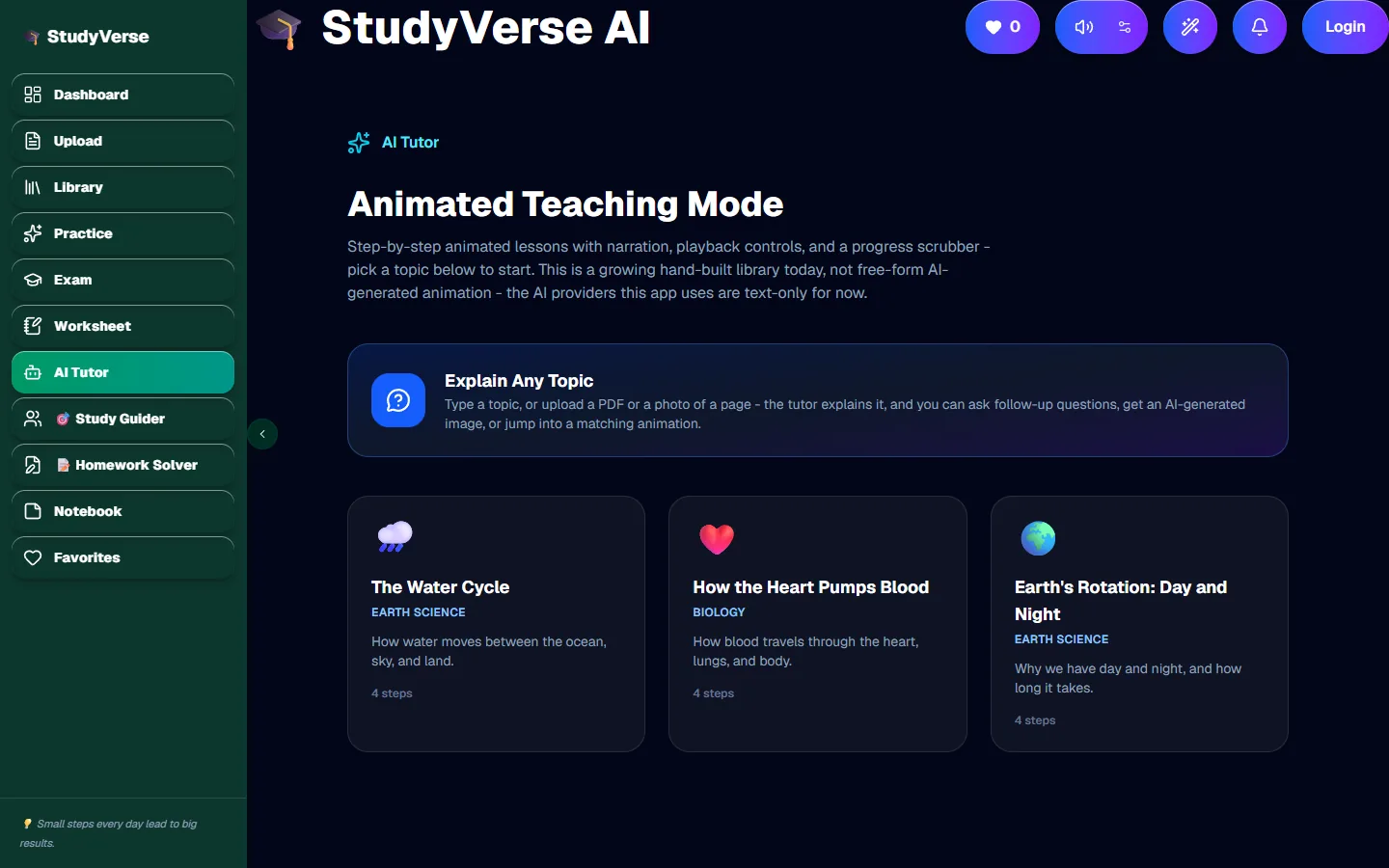
An AI tutor that explains
Type a topic or upload a page. Ask follow-up questions, or watch a step-by-step animated lesson.
🌈 Kids Mode
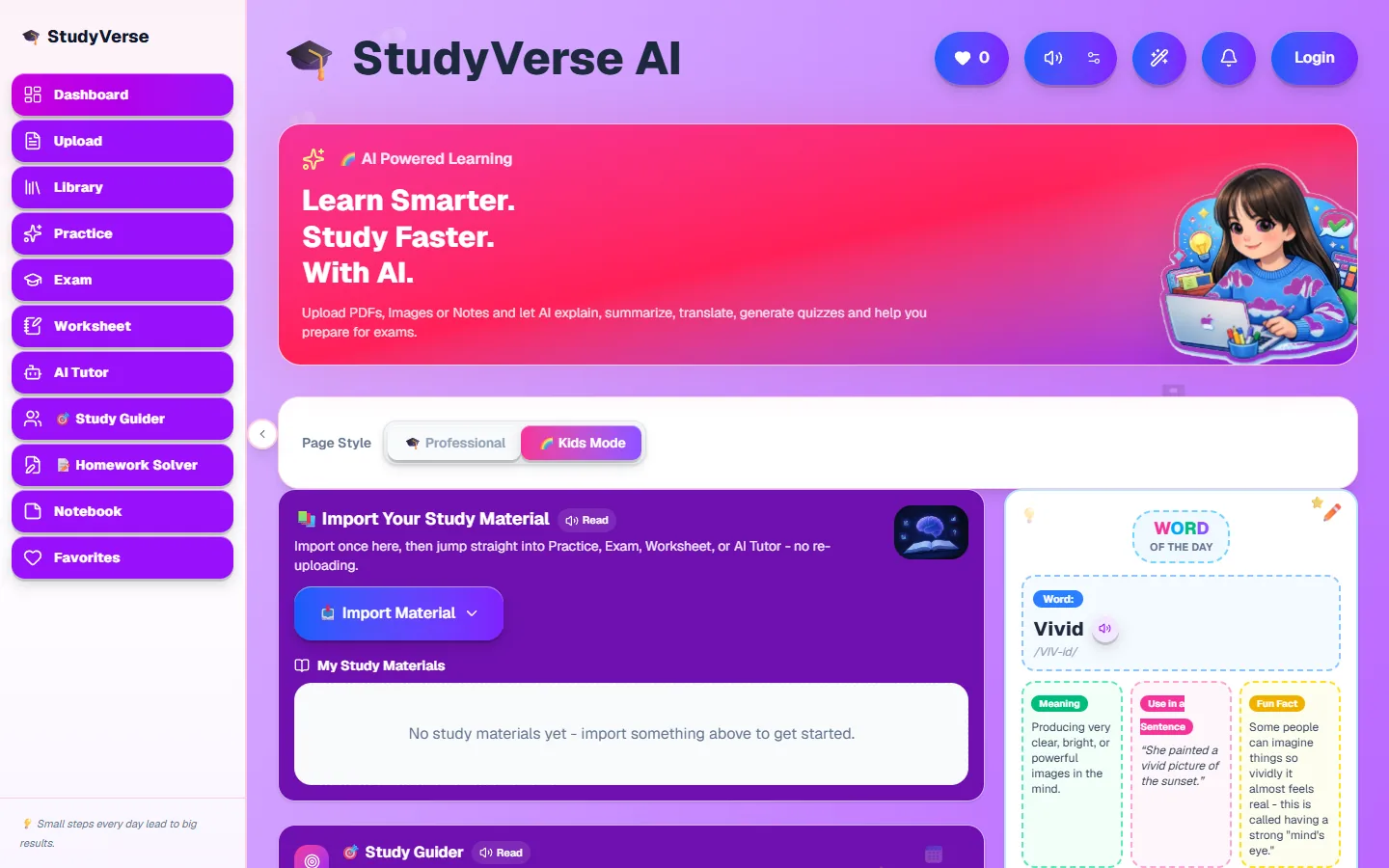
One switch, and it is ready for kids
Flip Page Style to Kids Mode and the whole app turns bright and playful: worksheets, practice, exams and the tutor all included. Same tools, friendlier screens.
Questions
Is StudyVerse AI free?+
Yes. You can open the dashboard, upload material and use the study tools without paying. Some tools, such as Study Guider and Homework Solver, ask you to sign in with Google so your plans are saved.
What can I upload?+
PDFs, images (for example a photo of a textbook page or worksheet) and typed notes. StudyVerse reads the text, including text inside photos, and every tool can use it.
Can I make an exam from my own PDF?+
Yes. Import the PDF once, open Exam, choose a template or your own question pattern, and StudyVerse writes a timed exam from that material and grades it when you finish.
Is it suitable for children?+
Yes. Switch Page Style to Kids Mode and the whole app turns bright and playful, with friendlier screens for younger learners.
Do I need to install anything?+
No. StudyVerse runs in the browser on a phone, tablet or computer. You can also add it to your home screen and use it like an app.